Contacts
Add People
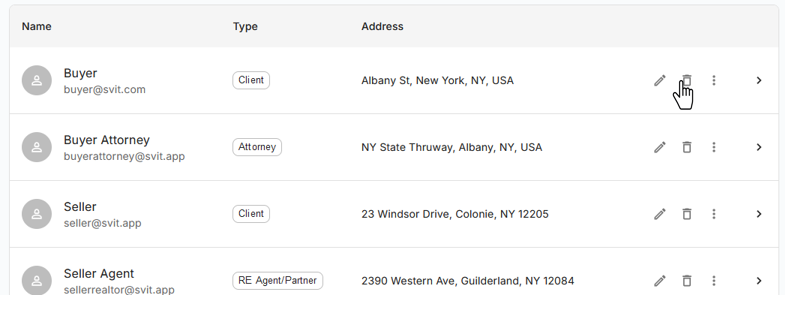
To access your Contacts, navigate to the Contacts Page
You can search your Contacts by entering keyword. You can filter your Contacts using various filters e.g. Agent, Attorney, Client
By clicking on Contacts you can see more detail about Contact.
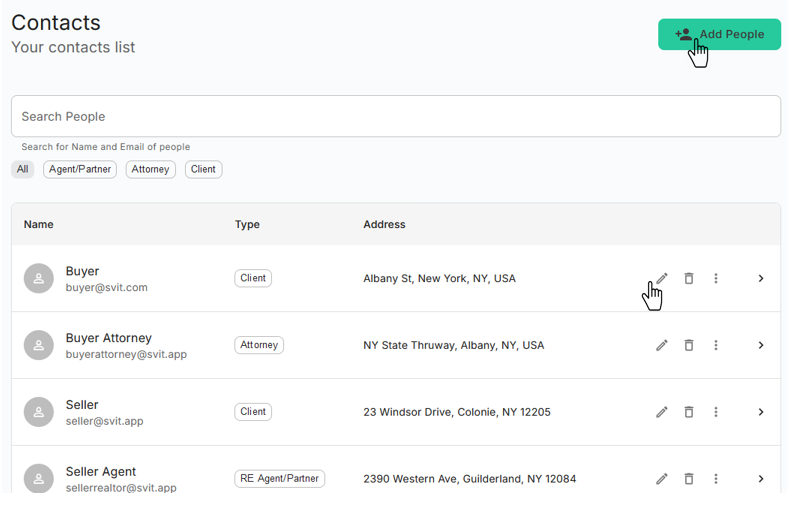
To add new contact you can Click on Add People button located at top right side.
Edit Contact
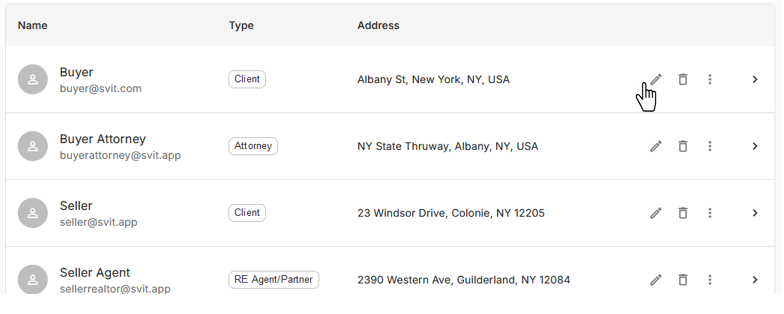
To edit existing contact you can Click on icon.
Delete Contact
To delete contact you can Click on icon for given contact.