Application
Using Application Preferences you can set default preferences for your Bhumio Application.
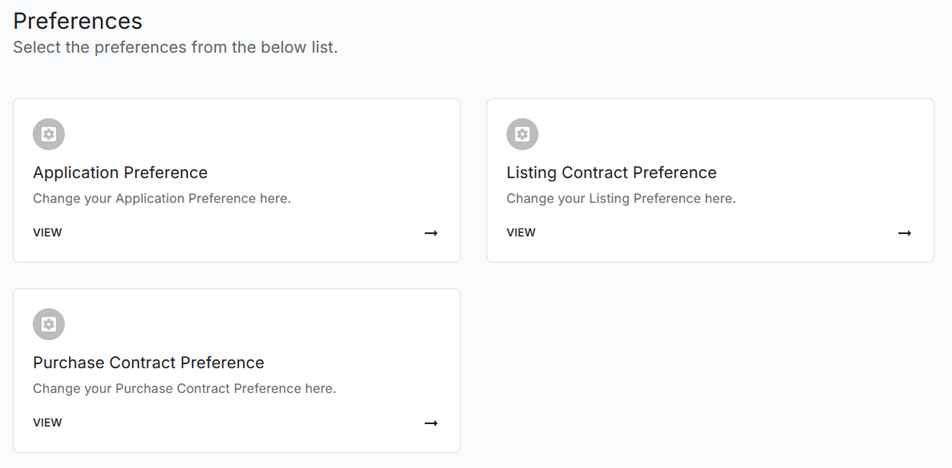
To configure your Application Preferences, go to the Application Preference. Alternatively, you can access Preferences from the main drop-down menu. From the drop-down menu, choose Preferences and then click on Application Preferences to view the details of your Application settings.
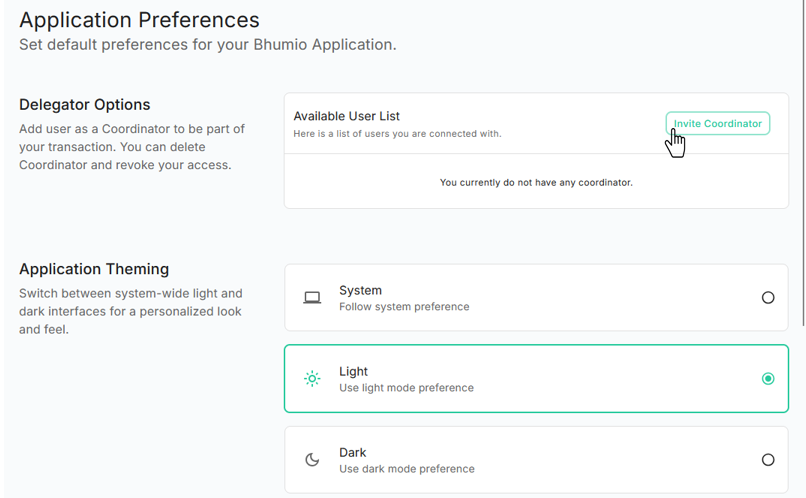
Delegator Options
To add user as a Coordinator to be part of your transaction. You can click on Invite Coordinator button.
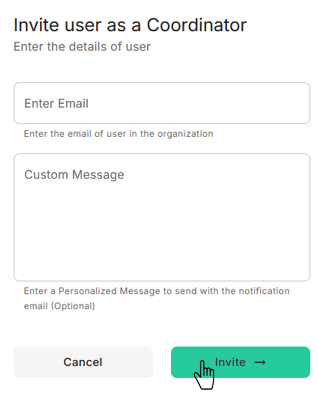
A dialog box will open for entering Coordinator E-Mail and a custom note for Coordinator. After clicking Invite button system will E-Mail request to Coordinator.
Application Theming
Switch between system-wide light and dark interfaces for a personalized look and feel.