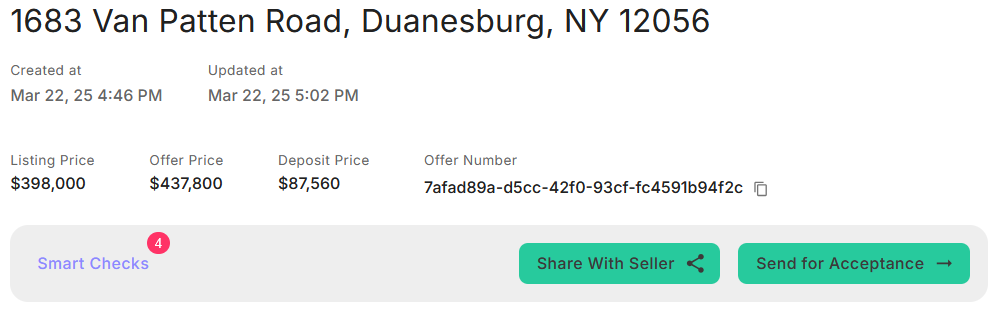
Add Offer
You can manage offers for both MLS and Non-MLS listings, as well as for new developments, all within the Bhumio App. This app enables you to create, manage, and track deals seamlessly from offer to closing in one efficient platform.
To add an offer, whether for your own listing or any other property, navigate to the Offer Page.
Adding an Offer for a MLS/Non-MLS Listing
-
Start New Offer
Navigate to the Offer Page page and click + Add Offer.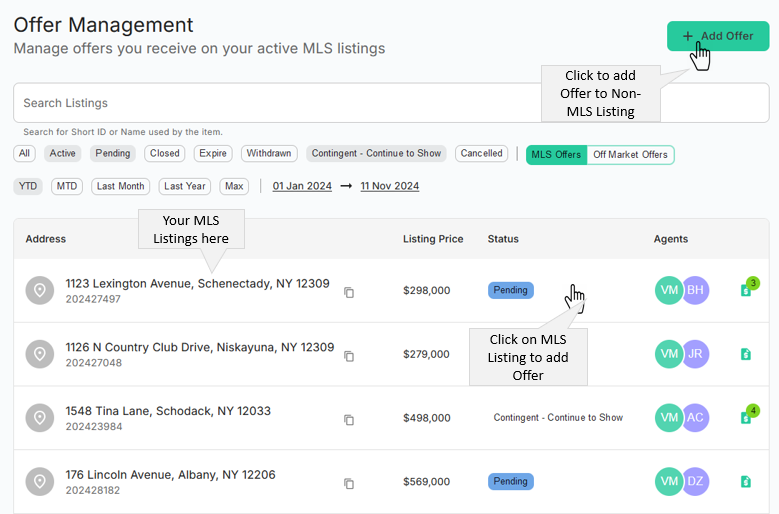
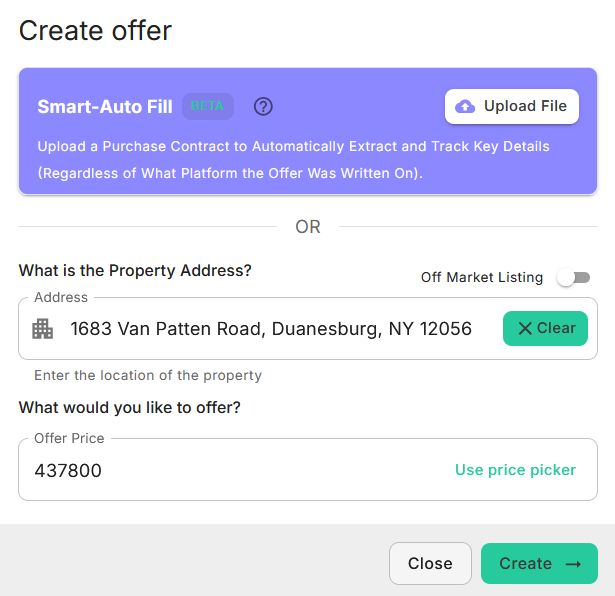
A dialog box will appear, enabling you to input the offer details. You can either upload the Purchase Contract PDF, and the system will automatically extract all the necessary details for you, or start by selecting or typing the property address and entering the offer price, then click the Create button.
-
Enter Offer Details
Fill in the following details as shown in the page: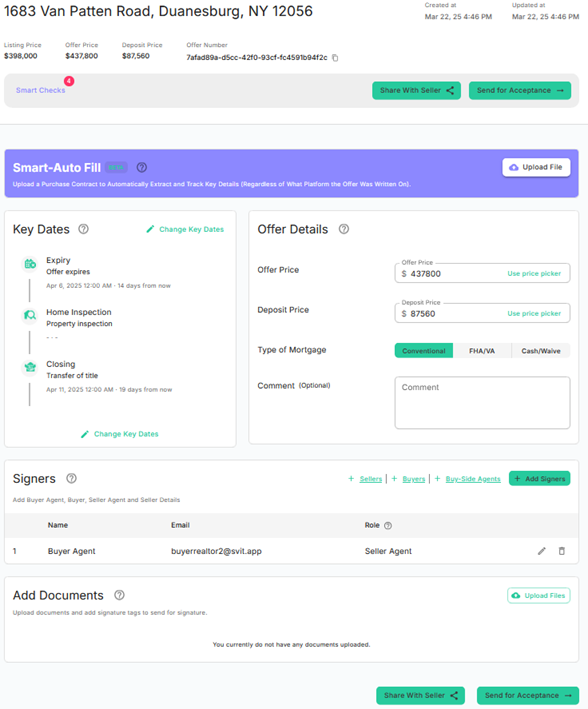
-
Add Signers
Click + Sellers, + Buyers, + Buy-Side Agent, or + Add Users. These users will later be used for adding E-Sign tags.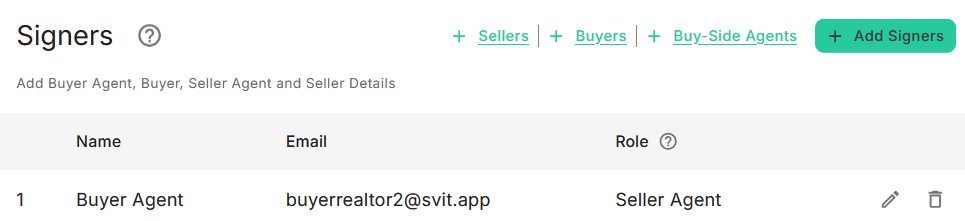
-
Upload Files
If you choose not to upload the Purchase Contract PDF in the first step, you can upload the related PDF files here and include E-Sign tags as required. To add E-Sign tags, click the
icon.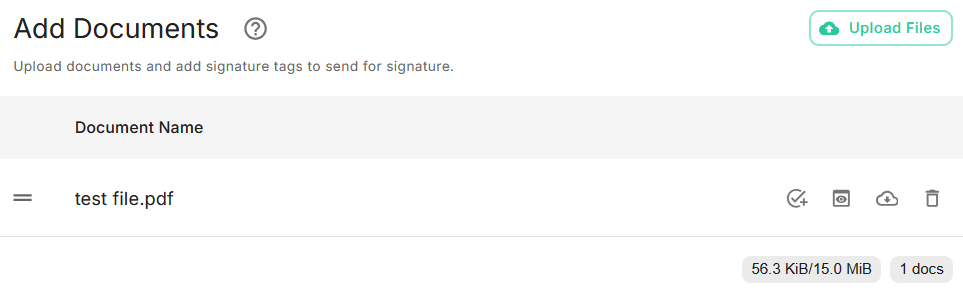
-
Send for Acceptance
You can review the details using the Smart Check feature to ensure everything is in order. Include a personalized note for the Seller and click the Send for Acceptance → button to complete the process.