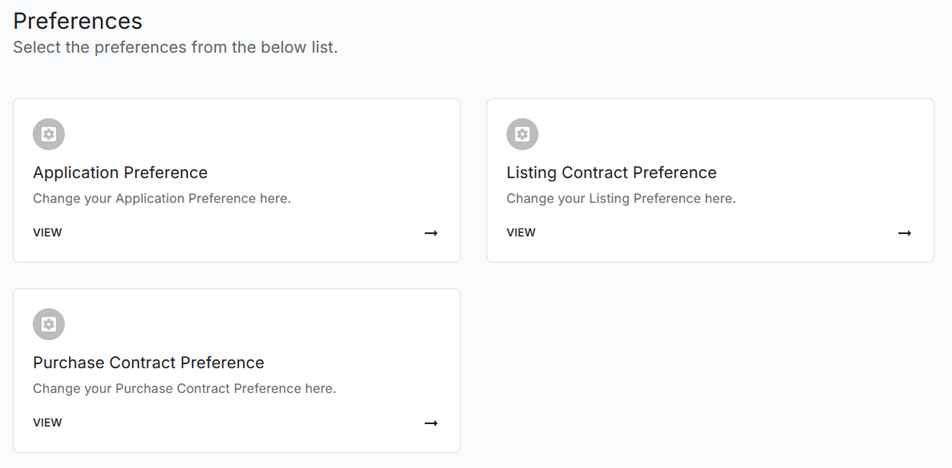
Listing Contract
Using Listing Contract Preferences you can set default preferences for your Bhumio Application.
To configure your Listing Preferences, go to the Listing Contract Preference. Alternatively, you can access Preferences from the main drop-down menu. From the drop-down menu, choose Preferences and then click on Listing Contract Preferences to view the details of your Listing settings.
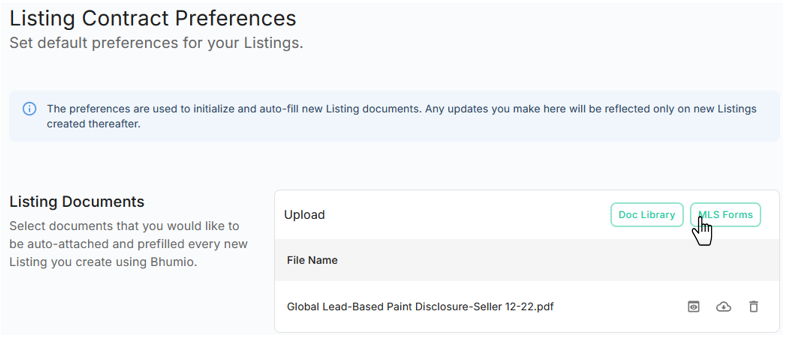
Listing Documents
You can set default Listing documents that can be included in every Listing Contract.
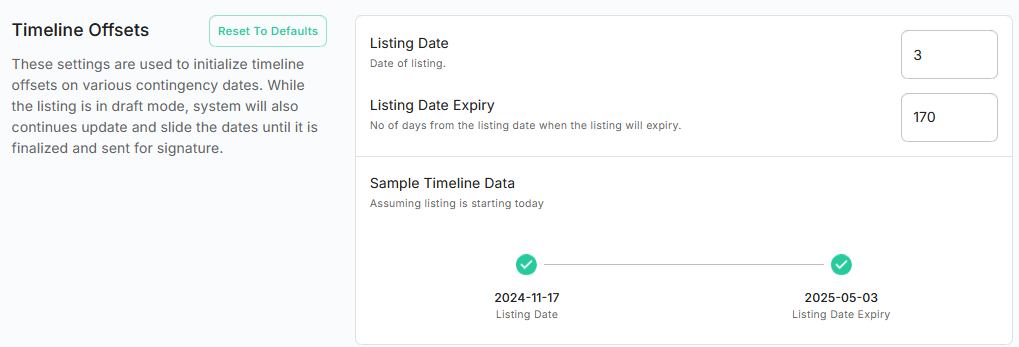
Timeline Offers
You can set default Timeline Offers that can be applied to every Listing Contract.
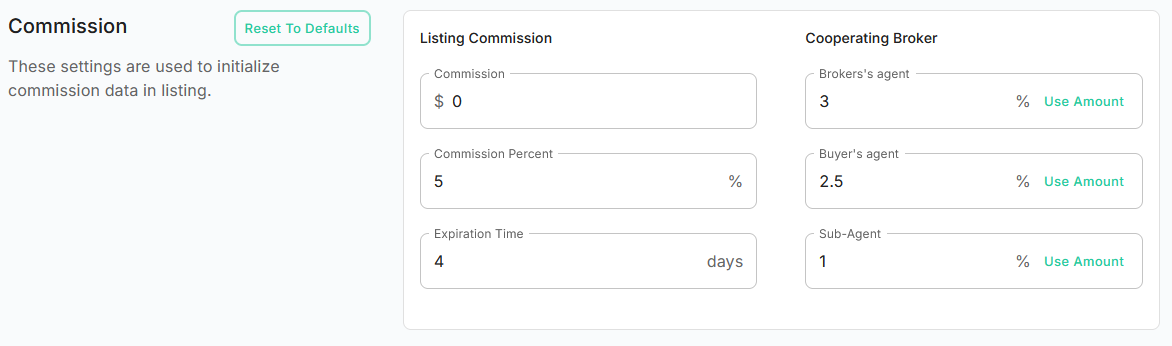
Commission
You can set default Commission that can be applied to every Listing Contract.