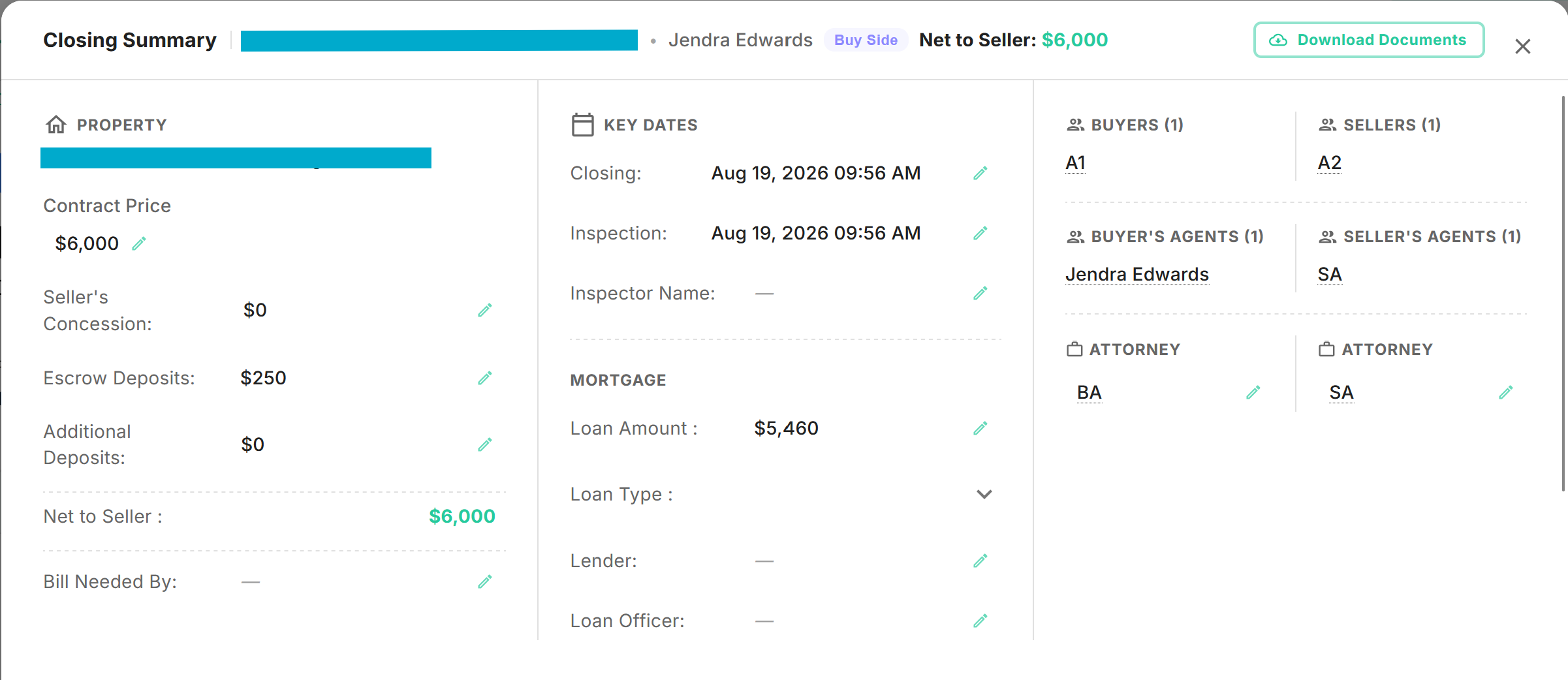
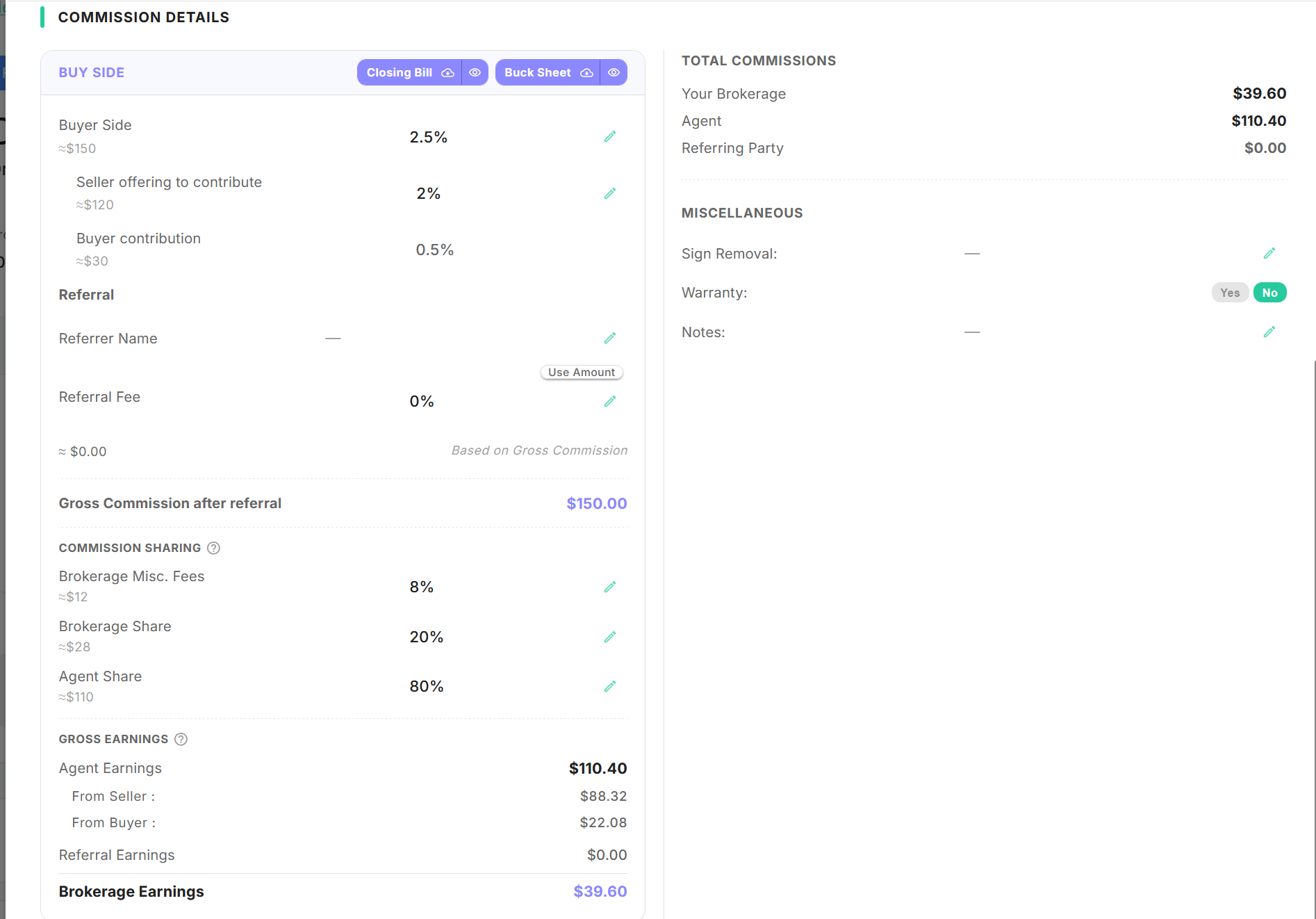
Closing Bills
Generate a complete closing bill directly from your transaction without manual entry or separate spreadsheets.
Key Capabilities & Workflow
- One-Click Generation: Easily prepare and manage closing bills right from your active transaction interface.
- Automated Data Sync: Eliminates manual calculation and external file management by pulling details directly from transaction data.
- Transaction Compatibility: Fully supported across both Purchase and Listing transactions.
Navigation & Location
- Where to Find It: Access via the Closing Docs action button inside any active transaction.
- Path:
Home→Transactions→Open or Create a Purchase/Listing Transaction→ Click Closing Docs
Operational Steps
- Navigate to your target Purchase or Listing Transaction.
- Locate the action toolbar at the top of the transaction page.
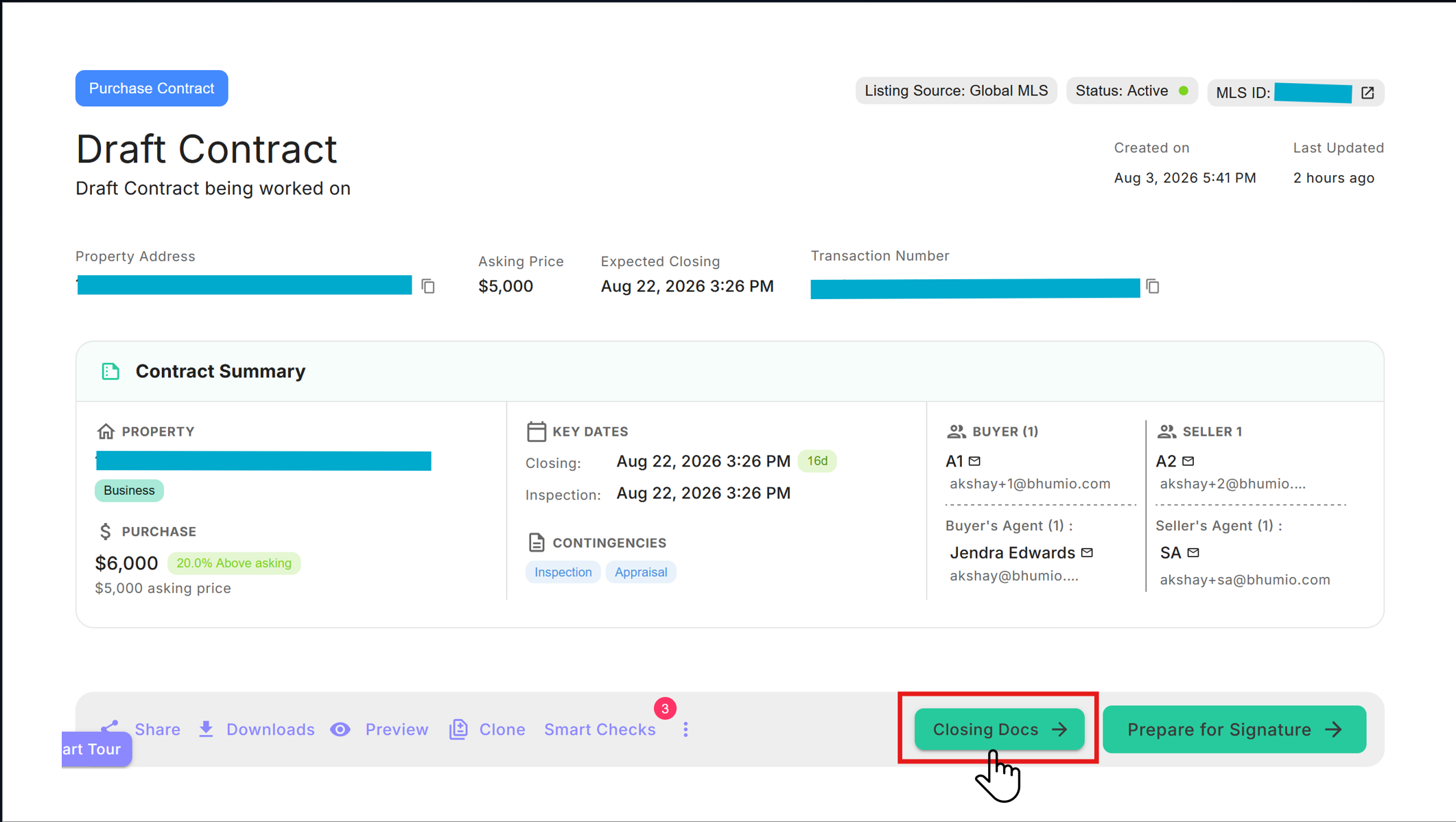
- Click the Closing Docs button to view and generate your Closing Bill instantly.