Medias/Photos
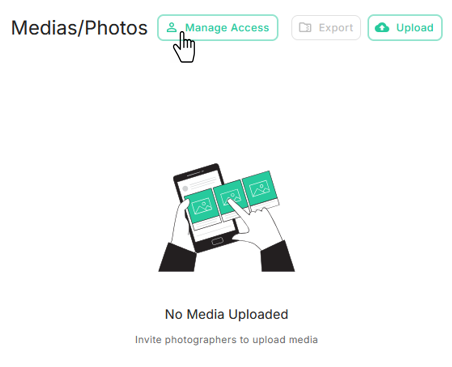
Navigate to the Medias/Photos card on the Listing Contract page.
You can invite a Photographer to upload property photos or videos, allowing you to manage all media for the given listing.
In the Medias/Photos card, you can:
- Invite Photographer
- Remove Photographer
- Change Photographer Access
To manage access, click Manage Access.
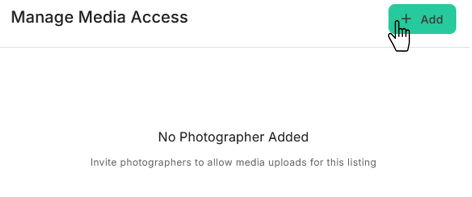
To add a new photographer, click + Add.
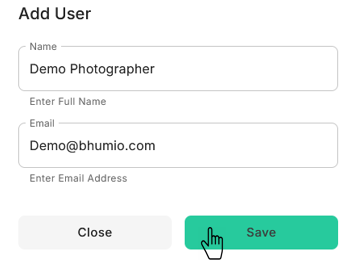
Enter the Photographer’s details and click the Save button. The system will send an email to the Photographer with a link to upload photos.