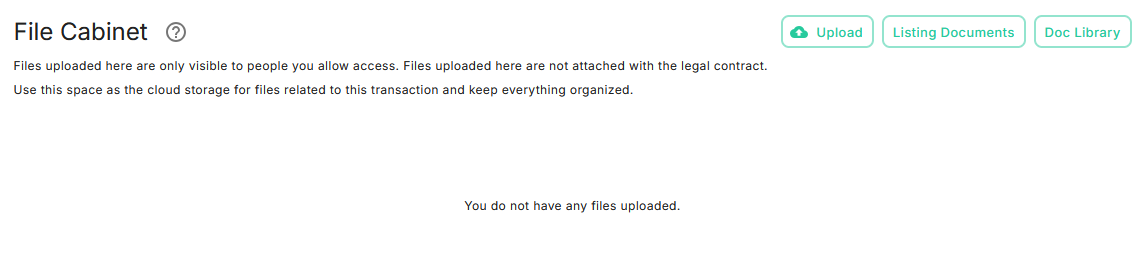
File Cabinet
Navigate to the File Cabinet card on the Purchase Contract page.
The documents you upload here are personal and will not be added as an addendum to the purchase contract. You can upload documents to the File Cabinet in the following ways:
- Upload: Upload PDF files directly from your local drive or Google Drive.
- Listing Documents: Upload files from the MLS listing. The system will automatically convert these files to PDF format.
- Docs Library: Upload files from your Brokerage Docs Library, which provides access to documents uploaded by your Brokerage Admin.