Inspection
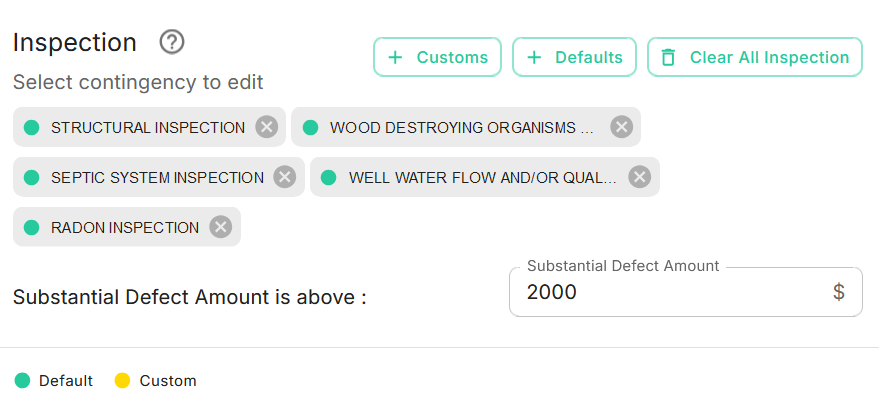
Navigate to the Inspection card on the Purchase Contract page.
The system will automatically retrieve the Contingency details from the MLS listing. If you need to add a Custom Contingency or edit an existing Inspection Contingency, you can do so here. Inspection Contingencies can also be predefined by your brokerage through the Brokerage Admin module.
caution
Note: When you modify an existing Inspection Contingency, it is marked as a Custom Contingency. Custom Contingencies are indicated with a colored circle.
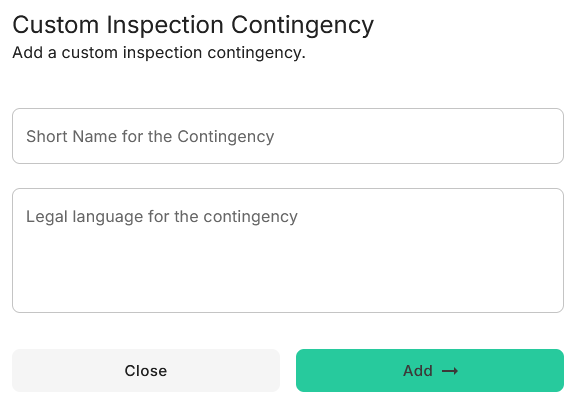
To add a Custom Contingency, click the +Customs button and enter the required details as shown below.